


A little planning for your day
Pumping Schedule Planner
Make room for pumping around the day you actually have. Tell us your baby’s age, how you’re feeding, and when you wake up and go to bed. We’ll suggest an editable starting routine.
Working outside home? Add your work hours and we’ll fit pumping breaks inside them. Your baby’s feeds and any routine you’ve agreed with your lactation professional come first.
Make room for your routine
Times that suit you (optional)
A lunch break or a time before daycare drop-off? Add the times you’d like to keep.
Your day, one session at a time
Thinking of dropping the night session?
Adjust sessions and timing
Changing age or situation resets these to the starting example. Changing times keeps your adjustments.
Open Cubtale to set up your reminders. This web schedule isn’t automatically synced to the app.
Plan milk for your days at work →
Need help choosing a routine? See pumping schedule examples →
Saving some of this milk? See how many bags you’ll need →
FROM A PLAN TO YOUR EVERYDAY ROUTINE
A plan for today. A clearer picture over time.
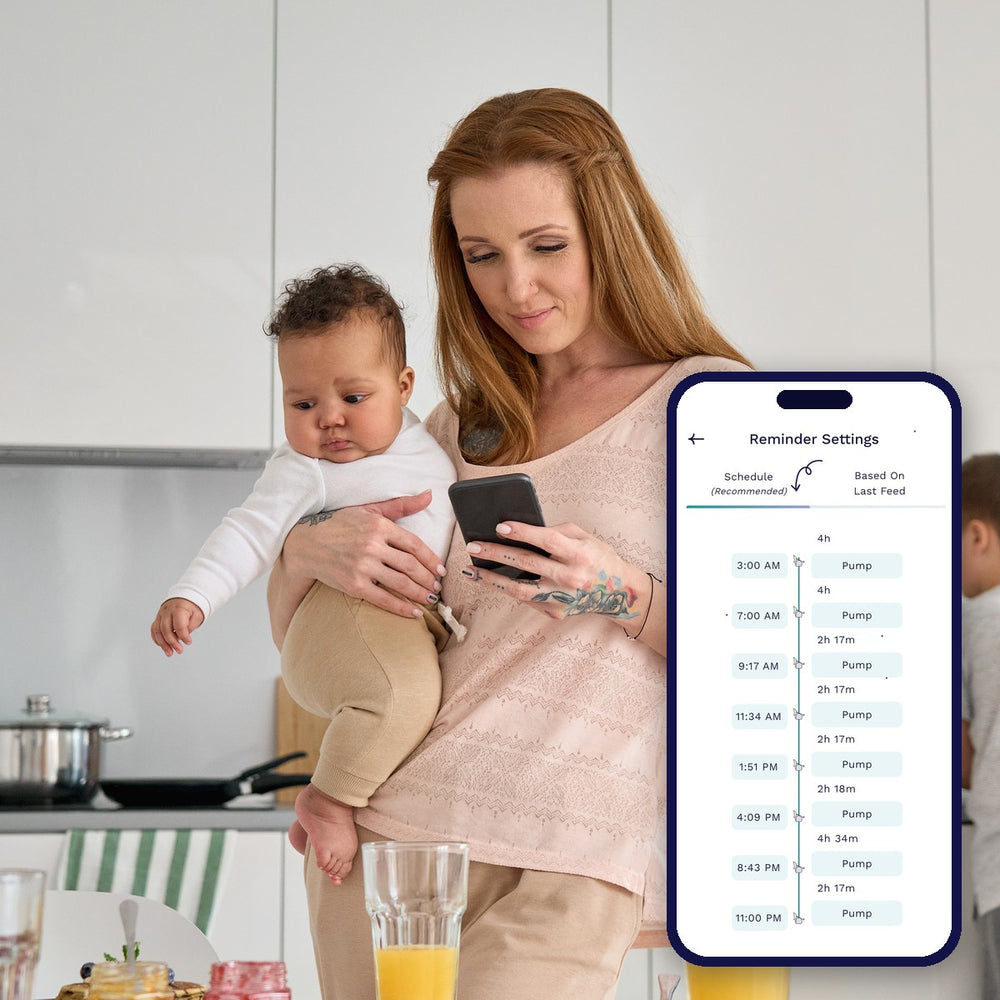
Your timetable is a starting point. Log the sessions you actually complete in the Cubtale app, then review your pumping times, daily totals, and patterns as your routine changes.
If you freeze milk, pair the app with Cubtale’s QR-labeled milk bags to track amounts, storage locations, and expiry. The app helps you and your caregivers see which bag to use next.
Your pumping schedule questions, answered
How do I make a pumping schedule that fits my day?
Choose your baby’s age and whether you exclusively pump, nurse plus pump, or pump at work. Add wake-up and bedtime, plus work hours if relevant. We use the age-based examples in our pumping guide for a starting routine. Open Adjust below the result to change the session count or length. Every time in the schedule is editable.
How are the starting session counts chosen?
For exclusive pumping we use the ranges in our pumping schedule guide: 8–12 sessions for newborns, 8–10 at 1–3 months, 6–8 at 3–6 months, and 5–6 at 6–12 months. The newborn example starts at 10. Your age and daily routine set the starting session count within that range. Preferred times move existing sessions; they do not add new ones. Longer gaps are flagged for you to review. Nursing-plus-pumping starts with one added session; work plans start roughly every three hours during work. Open Adjust to fit your existing routine. The CDC advises pumping as often as your baby drinks breast milk when you are apart or exclusively pumping.
Will the plan include night pumping?
For exclusive pumping, the starting routine follows the spacing in our age-based guide, including overnight sessions where needed. Age alone does not tell you when to stop night pumping. Review changes with your lactation professional, especially while establishing supply. Nursing-plus-pumping and work plans show only added or work-hour sessions, not your whole feeding routine.
Can I plan pumping around work breaks?
Yes. Choose Back at work and enter your work hours. The planner starts with breaks roughly every three hours. Open Times that suit you to keep a lunch break or another preferred time inside those hours. Adjust the plan to match the feeds you miss and the breaks available to you. Our Return-to-Work Milk Planner helps plan the milk to have saved.
What do the gaps mean?
Gaps run from the start of one pumping session to the next. For exclusive pumping, we also count the overnight gap into the next morning. For nursing-plus-pumping and work plans, the gap describes only the pumps shown; it does not include nursing or other sessions. Session length estimates pumping time and helps flag overlaps.
Can I edit, save, or share my schedule?
Yes. Choose Edit schedule to change times or remove sessions, then Done to keep your changes or Cancel to return to the previous schedule. Share keeps a link to your filled-in routine. Add to calendar downloads an .ics file with repeating events starting tomorrow, or on the next weekday for work routines. Full-day routines repeat daily; work routines repeat Monday–Friday. You can change the dates, working days, and reminders in your calendar. Print creates a daily checklist. Set reminders in Cubtale opens the app download or opening link so you can set up reminders there. Your web schedule is not automatically synced to the app.
How can Cubtale help me follow the plan?
Use the Cubtale app to log the sessions you actually complete and review your pumping patterns and daily totals. This web planner creates a timetable; it does not sync reminders into the app.
Keep planning, one step at a time
Find your pumping routine
Explore the existing example schedules and background guidance.
Plan your first days back
Compare saved milk with bottles and the pumping routine you expect.
